Speak Like Nobody's Listening
CMS is an easy-to-use, instant messaging app that helps you stay connected. It is simple, secure, and Indian-made.
 Scan and download CMS app

Why CMS?
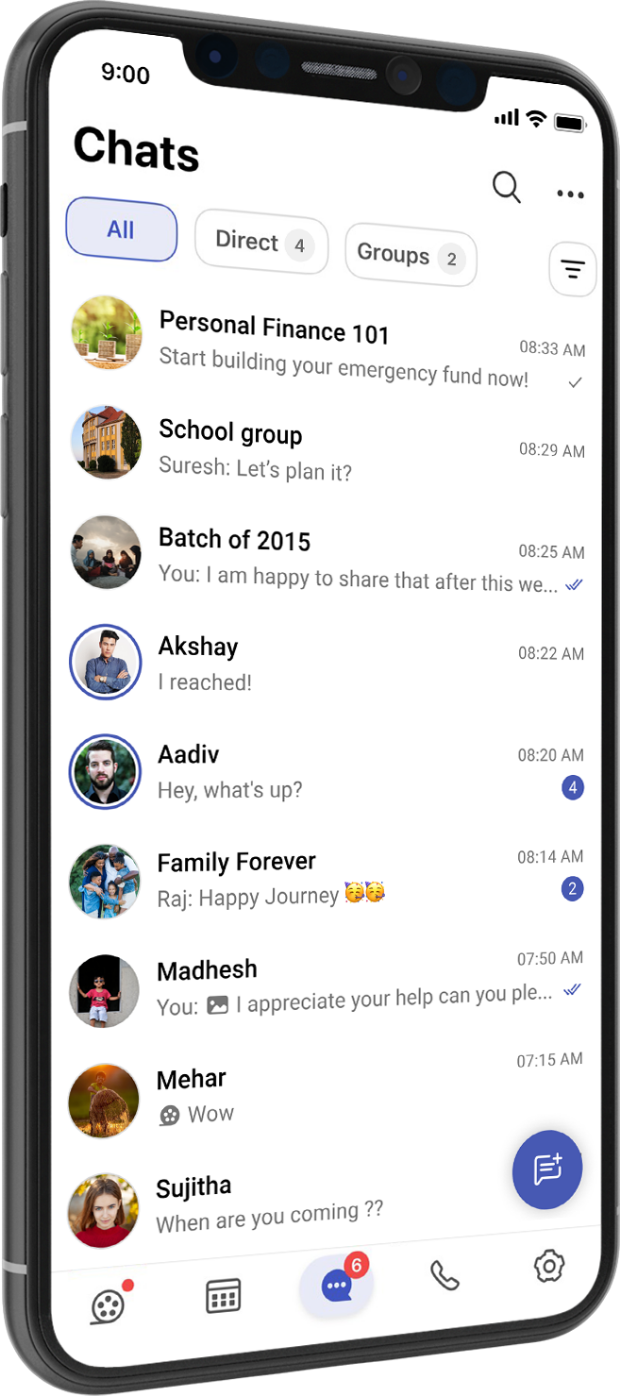
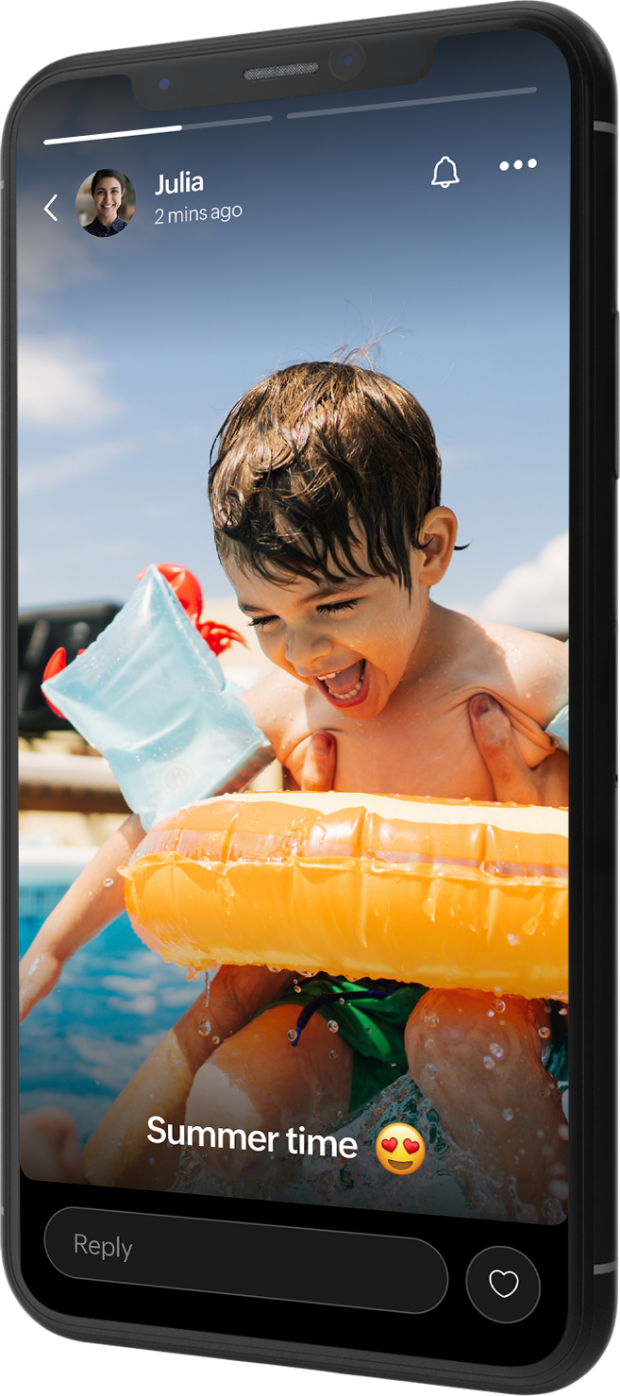
With CMS you can send texts and voice notes, make audio/video calls, share photos, documents, stories, and much more.





Communicate
Use instant chat and groups to stay connected with your friends and family.
Secure
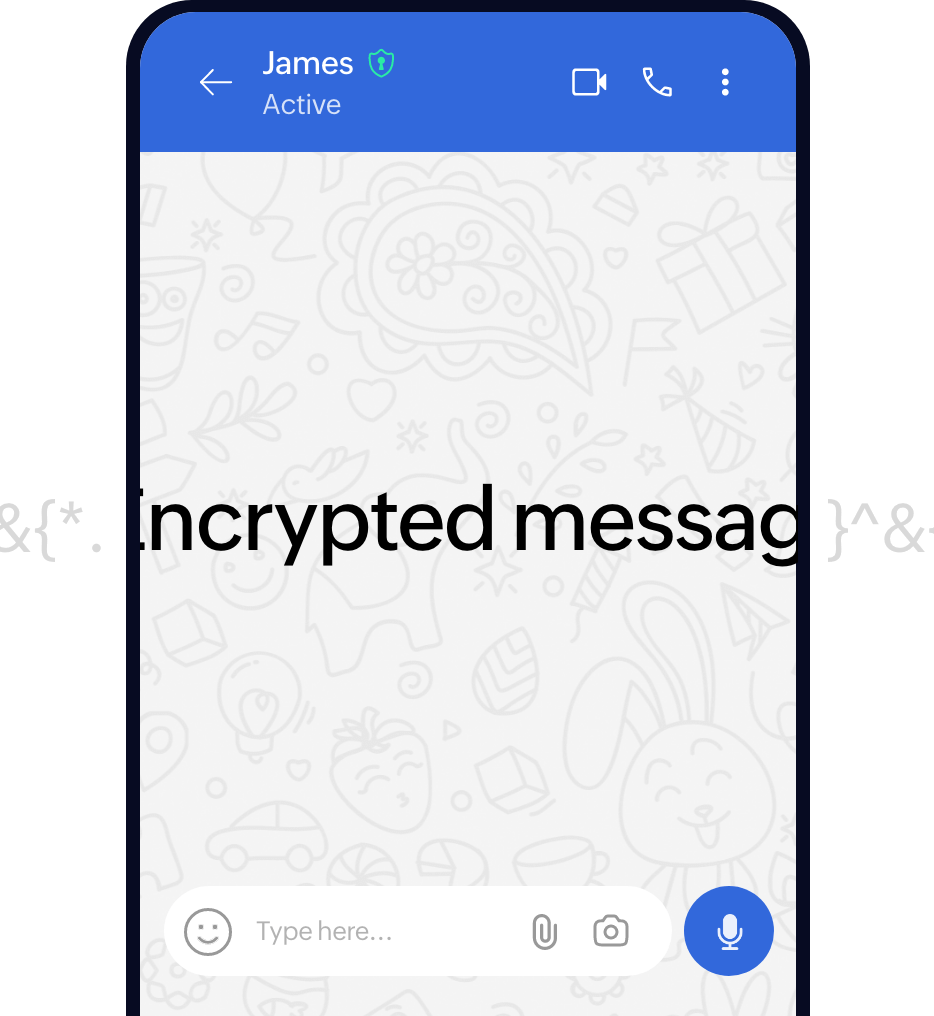
We value privacy. Calls and direct messages are end-to-end encrypted.
Emote
Express your thoughts in a fun way through custom/animated stickers, and reactions.

Reach
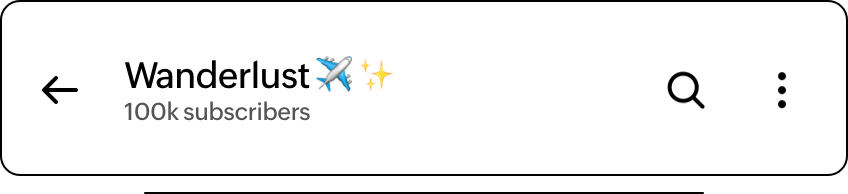
Deliver content to a large audience with Channels.

Share
Share key moments with your loved ones through stories.
Frequently Asked Questions
Yes, it is a free, simple, secure way to connect with friends and family. As a cross-platform messaging app, CMS provides a user-friendly platform for all your communication needs.
CMS is a versatile communication app that lets you send text/voice messages, make audio/video calls, share stories, connect through groups and channels, and share images, documents, and media files.
CMS was designed with a strong focus on privacy and security. Direct chats and calls are encrypted end-to-end. With several privacy and security features and settings, CMS strives to provide a safe communication experience for everyone. CMS was built by the creators at ZENTECHIQ. Our 5+ years of experience building communication and collaboration apps for enterprises was leveraged to deliver this app. Additionally, ZENTECHIQy-leading commitment to user privacy has cemented the app's journey.
Yes, you can use CMS across multiple devices, including smartphones, tablets and desktops. You can use CMS on up to five of these devices at a time. When you use CMS across multiple devices, your messages, contacts, and settings are synced. This means you have a seamless and secure experience when you switch between devices.
Group chats can be exported from WhatsApp and imported into CMS. Each group chat must be imported individually. For detailed steps, please refer to the help document here: Import Chat from WhatsApp
